-
 Easter season is here! Here's what we have going on at The Bell Tree:
- The egg decorating contest is back! Join TBT’s Fifth Egg Decorating Contest, now with two distinct categories: decorating and painting. Entries must be submitted by April 9th.
- Starting this Friday at 7PM EDT, follow clues to search for eggs around the forum in TBT's Thirteenth Annual Easter Egg Hunt. New eggs will appear throughout the weekend and the hunt ends on April 6th!
- Customize your profile by spending bells on any of our three recurring backdrops.
You are using an out of date browser. It may not display this or other websites correctly.
You should upgrade or use an alternative browser.
You should upgrade or use an alternative browser.
New Desktop Thread
- Thread starter Megamannt125
- Start date



Omgee! We have the same Webcam.Megamannt125 said:Old one is nowhere to be seen.
<div class='spoiler_toggle'>Spoiler: click to toggle</div><div class="spoiler" style="display:none;"></div>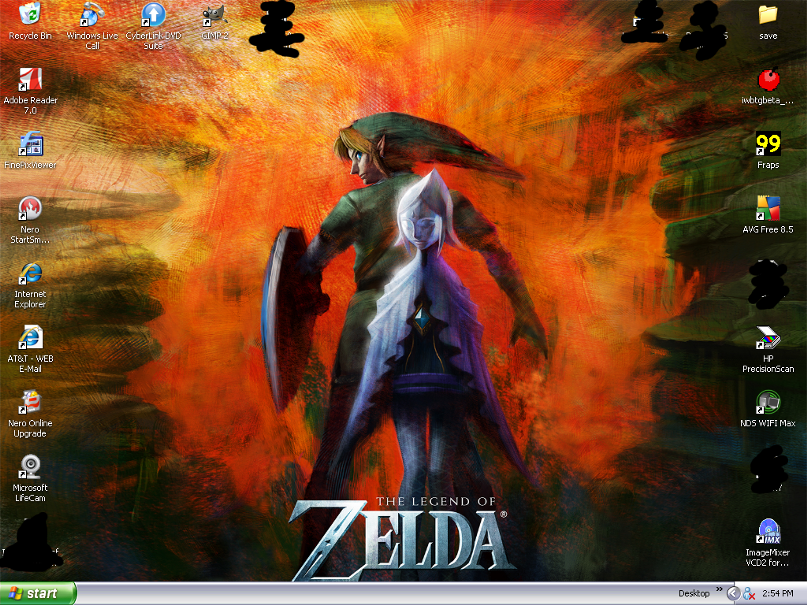


Ron Ronaldo
Seer of Heart :33
How do I make the icons smaller bwahhh Vista ;;_;;
<div class='spoiler_toggle'>got it off DA for halloween... heh I need to change it</div><div class="spoiler" style="display:none;">
 </div>
<div class='spoiler_toggle'>got it off DA for halloween... heh I need to change it</div><div class="spoiler" style="display:none;">


Kanye Omari West
Senior Member
I did :veryhappy:AndyB said:Your battery is low. Better charge that *censored.4.0*Alecks said:


Ok here are the ones I have on mine. I have windows 7, so they switch every 2 minutes.
<div class='spoiler_toggle'>destop1</div><div class="spoiler" style="display:none;">
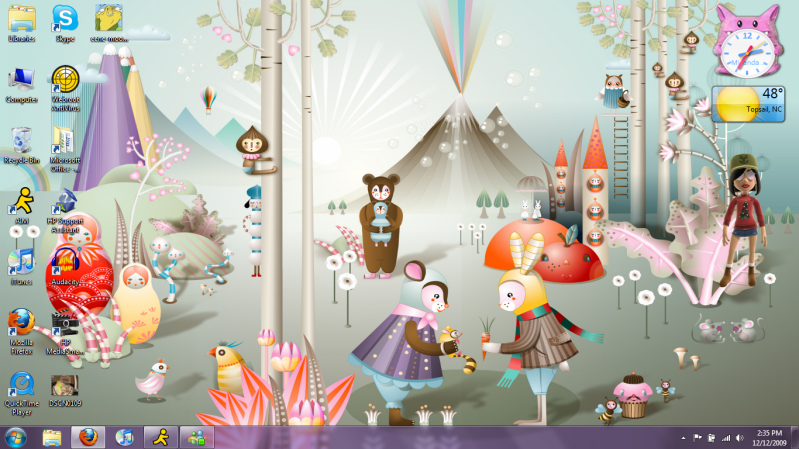 </div>
<div class='spoiler_toggle'>desktop2</div><div class="spoiler" style="display:none;">
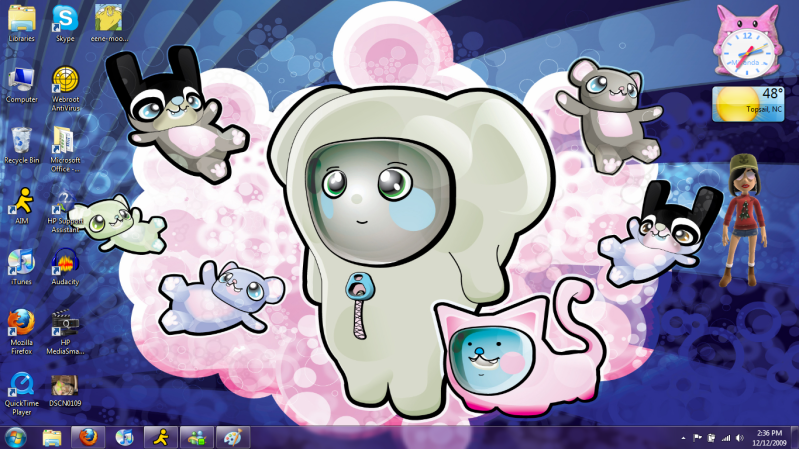 </div>
<div class='spoiler_toggle'>desktop3</div><div class="spoiler" style="display:none;">
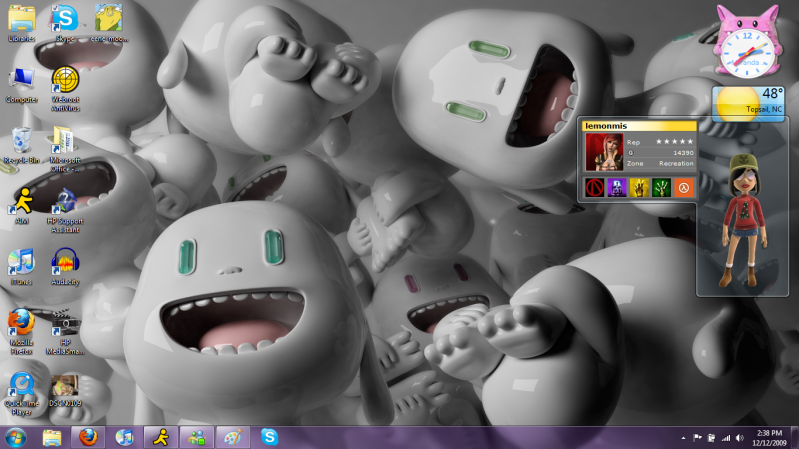 </div>
<div class='spoiler_toggle'>dekstop4</div><div class="spoiler" style="display:none;">
 </div>
<div class='spoiler_toggle'>desktop5</div><div class="spoiler" style="display:none;">
 </div>
Those are mine. I'm in love with windows 7.
<div class='spoiler_toggle'>destop1</div><div class="spoiler" style="display:none;">
<div class='spoiler_toggle'>desktop2</div><div class="spoiler" style="display:none;">
<div class='spoiler_toggle'>desktop3</div><div class="spoiler" style="display:none;">
<div class='spoiler_toggle'>dekstop4</div><div class="spoiler" style="display:none;">
<div class='spoiler_toggle'>desktop5</div><div class="spoiler" style="display:none;">
Those are mine. I'm in love with windows 7.


Same, it would be nice to get rid of this *censored.2.0*ty Windows Vista, even though I only use my PC for games nowadays, it's still a pain in the ass XDAndyB said:Those are some pretty awesome desktops Miranda.
I want windows 7
Play more CS... with me. ;DJas0n said:Same, it would be nice to get rid of this *censored.2.0*ty Windows Vista, even though I only use my PC for games nowadays, it's still a pain in the ass XDAndyB said:Those are some pretty awesome desktops Miranda.
I want windows 7
And Miranda, I spy your little Christmas xbox avatar!


command+shift+4Comatose2009 said:Is it possible to take a pic of my desktop on a Mac?
drag to make a rectangle around your desktop
Command+Shift+3 takes a shot of the entire screenlilypad said:command+shift+4Comatose2009 said:Is it possible to take a pic of my desktop on a Mac?
drag to make a rectangle around your desktop


Are those your pr0n folders that you blacked out? XDMegamannt125 said:Old one is nowhere to be seen.
<div class='spoiler_toggle'>Spoiler: click to toggle</div><div class="spoiler" style="display:none;"></div>
Prof Gallows
Retired Staff


If they are, he should have went with my method and used a black background to make it unnoticeable.Tyeforce said:Are those your pr0n folders that you blacked out? XDMegamannt125 said:Old one is nowhere to be seen.
<div class='spoiler_toggle'>Spoiler: click to toggle</div><div class="spoiler" style="display:none;"></div>
bahahah
I'm not sure if it's possible in Windows, but mine is actually a hidden folder, not a transparent icon, lol. It's very easy to find, though. You just need to use a widget in my Dashboard. XD But the chances of anyone getting on my computer and doing that is very, very slim, lol.Trikki said:If they are, he should have went with my method and used a black background to make it unnoticeable.Tyeforce said:Are those your pr0n folders that you blacked out? XDMegamannt125 said:Old one is nowhere to be seen.
<div class='spoiler_toggle'>Spoiler: click to toggle</div><div class="spoiler" style="display:none;"></div>
bahahah

Better yet, download this widget. You can take full screenshots, window screenshots, widget screenshots, and more!Jas0n said:Command+Shift+3 takes a shot of the entire screenlilypad said:command+shift+4Comatose2009 said:Is it possible to take a pic of my desktop on a Mac?
drag to make a rectangle around your desktop
lightningbolt
Senior Member
<div class='spoiler_toggle'>Spoiler: click to toggle</div><div class="spoiler" style="display:none;">
 </div>
:3
:3
Similar threads


- Replies
- 39
- Views
- 2K

