• The New Horizons 3.0 update is here and we're hosting an eShop gift card giveaway! Each participant will also earn up to 60 forum bells. To participate, visit the event thread in the New Horizons board here. Good luck!

Your Desktop

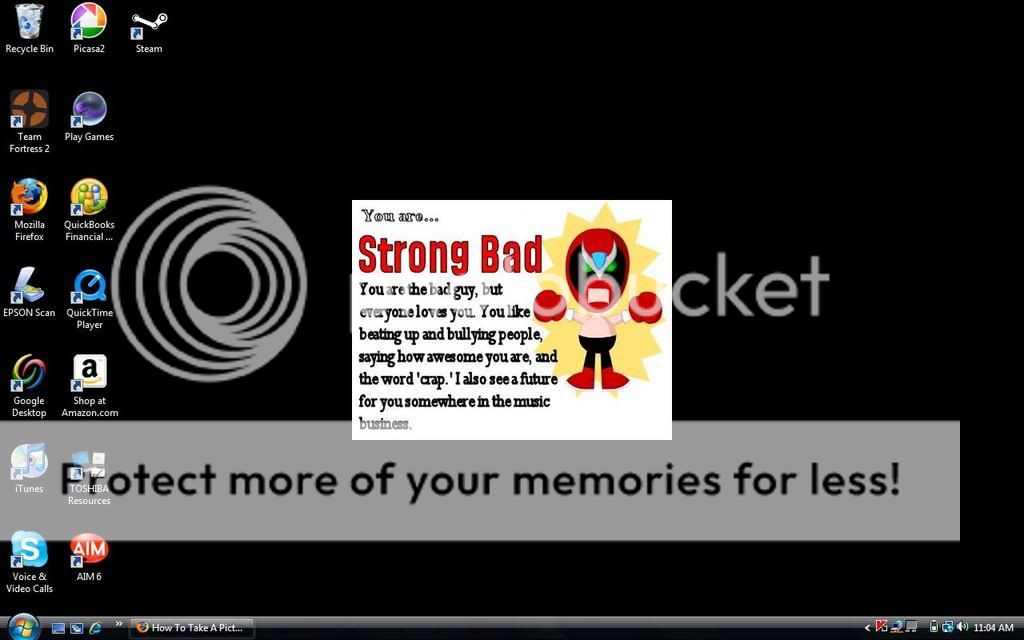
Um....xD

<div class='spoiler_toggle'>Spoiler: click to toggle</div><div class="spoiler" style="display:none;">
untitled-1-1.jpg
</div>
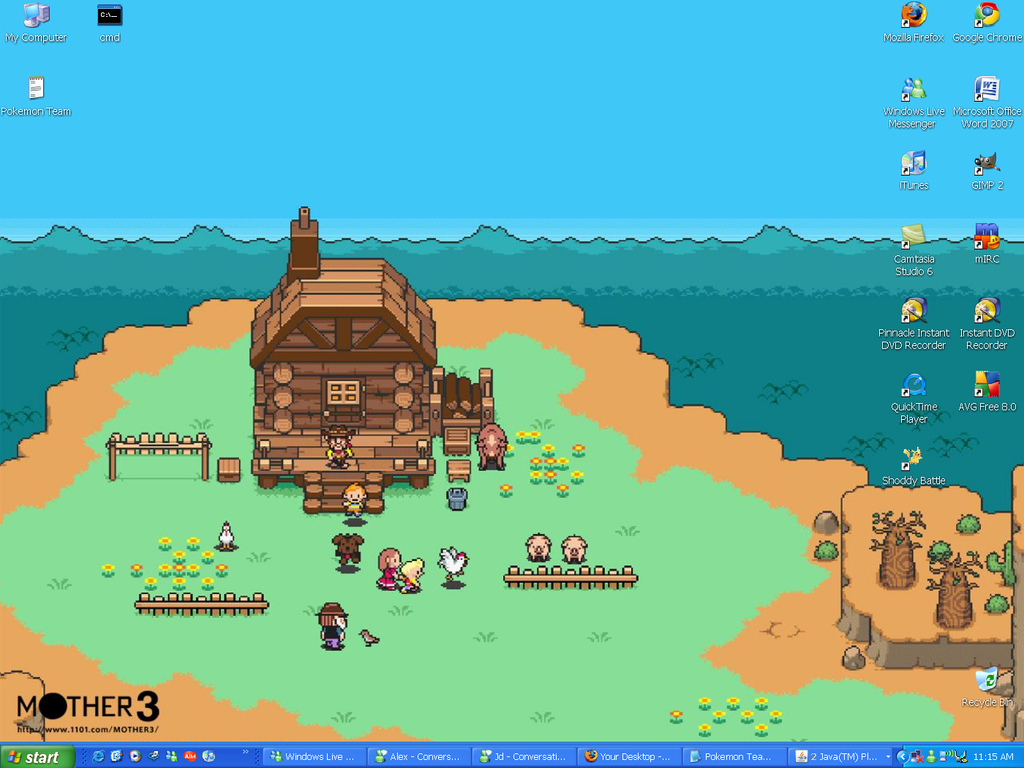
...I like space. ^.^
 
<div class='spoiler_toggle'>Spoiler: click to toggle</div><div class="spoiler" style="display:none;">
Wallpaper.png
</div>

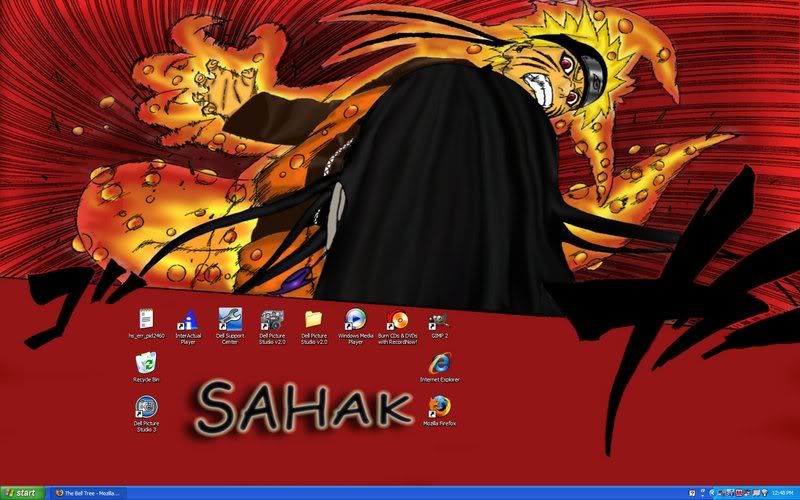
Click Pl0x.
 
<div class='spoiler_toggle'>Spoiler: click to toggle</div><div class="spoiler" style="display:none;">
0desktop.jpg
</div>

i like demon foxes and anime <3 :3
 
Jd Awesome said:
IDK how to get a pic of my desktop
look for a button called Prnt Scrn then push it. after go to Paint and click Paste then save then go upload it from photobucket
 
<div class='spoiler_toggle'>Spoiler: click to toggle</div><div class="spoiler" style="display:none;">
desktop.jpg
</div>

Yup..
 
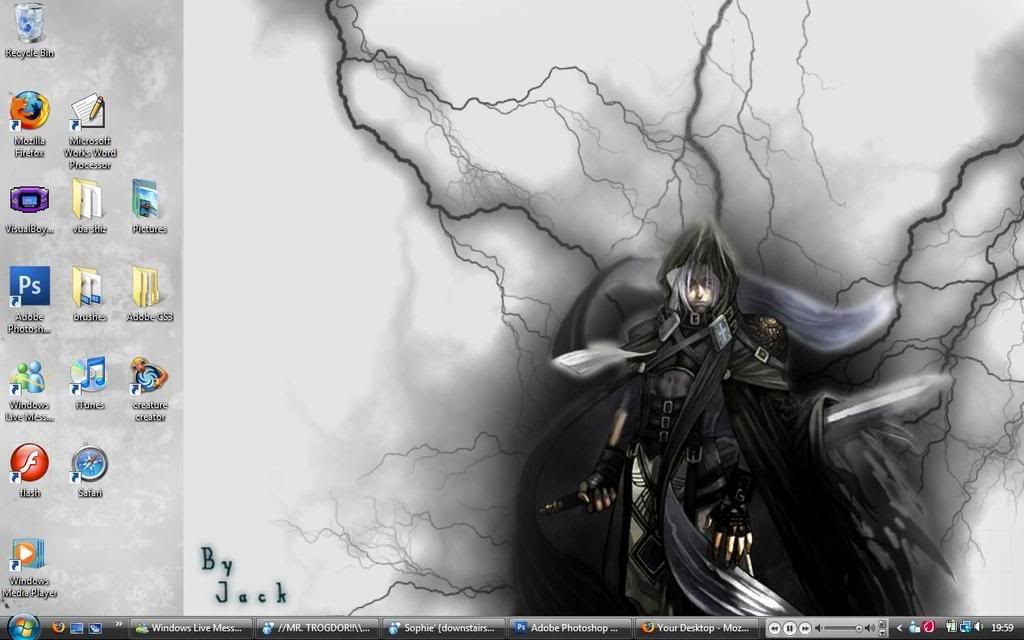
why not ;) mines actually fairly organised, only the stuff i use on =]
<div class='spoiler_toggle'>Spoiler: click to toggle</div><div class="spoiler" style="display:none;">
desktop.jpg
</div>
 
<div class='spoiler_toggle'>Spoiler: click to toggle</div><div class="spoiler" style="display:none;">
screen-capture-1.png
</div>
 
Not cluttered enough.
Very neat :D
Everything has folders, and all them folders are in one folder on the desktop :P
Other than that folder there is just the recycling bin.

Look see?
Still no new background though :|
I need one :P

<div class='spoiler_toggle'>Spoiler: click to toggle</div><div class="spoiler" style="display:none;">
mkzvxe.png
</div>
 
Nikoking said:
<div class='spoiler_toggle'>Spoiler: click to toggle</div><div class="spoiler" style="display:none;">
Wallpaper.png
</div>

Click Pl0x.
HOLY GIYGAS!! THAT'S AWESOME!!

It'd be even better if you had customized MOTHER 3 icons to go with it!
 
Bacon Boy said:
<div class='spoiler_toggle'>Spoiler: click to toggle</div><div class="spoiler" style="display:none;">
screen-capture-1.png
</div>
Dock on the side, eh? Seems weird to me, lol.
 
Okay, I just got this AWESOME new virtual aquarium screensaver, and I made it my wallpaper using Wallsaver. It's really cool. First the water flows up to the top, and fish start swimming into the screen. And if I tilt my MacBook to the side or even upside down, the water moves with it! I didn't even know that MacBooks had an internal motion sensor! And you can control just about every feature about it, like how many fish appear on screen and their sizes, etc. You can download different fish to use, and apparently the creator occasionally makes new fish every once and awhile to download. It's just so cool... I can't stop staring at it, lol.

Here's a screenshot of the screensaver being used as my wallpaper:<div class='spoiler_toggle'>Spoiler: click to toggle</div><div class="spoiler" style="display:none;">
picture1212500.png
</div>
 
Okaay...Well a few seconds ago it was this....

<div class='spoiler_toggle'>Spoiler: click to toggle</div><div class="spoiler" style="display:none;">
rainbow_zebra.jpg
</div>

And now its.....

<div class='spoiler_toggle'>Spoiler: click to toggle</div><div class="spoiler" style="display:none;">
Love.jpg
</div>
 
Back
Top