• Guest, have you picked up a fortunate cookie from the shop? You must have the "Fortune Cookie (2026)" item in your inventory to receive a collectible from The Luck of the Dragon raffle. Time is running out and the raffle results will be randomized soon!

(Help Please) Brief Game Cartridge Issue

Kamina

professional crastinator
Joined
Apr 19, 2020
Posts
170
Bells
78
Lucky Coins
0
Gems
0
Hey guys. Sorry if this isn't where I'm supposed to post something like this, but I could really do with someone helping me out here.

So a few minutes ago I took ACNH out of my Switch and replaced it with BOTW, but then changed my mind and put ACNH back in almost immediately after. Then I got an error message saying the cartridge couldn't be read and that I needed to try taking it out and putting it back in again.

Anyway, I did that and luckily it was able to read the cartridge fine again (I even took the cartridge out and put it back in a few more times to triple check), but I just want to know if anyone knows if I should be worried about the error message or if it's just a thing that can happen occasionally, because even though it's fine now it's making me feel paranoid.

Another thing I'd like to ask about: a little while after this happened, I turned my console back on after leaving it off for a bit and opened my AC game, and the loading screen to the title screen went on for a significantly longer amount of time than usual. Afterwards, I saved and closed the game and reopened it, and the loading screen was nice and quick again. Is this long loading screen something I should also be worried about, or is it also something that just happens occasionally?

Thanks to whoever can answer these for me.
 
Hey guys. Sorry if this isn't where I'm supposed to post something like this, but I could really do with someone helping me out here.

So a few minutes ago I took ACNH out of my Switch and replaced it with BOTW, but then changed my mind and put ACNH back in almost immediately after. Then I got an error message saying the cartridge couldn't be read and that I needed to try taking it out and putting it back in again.

Anyway, I did that and luckily it was able to read the cartridge fine again (I even took the cartridge out and put it back in a few more times to triple check), but I just want to know if anyone knows if I should be worried about the error message or if it's just a thing that can happen occasionally, because even though it's fine now it's making me feel paranoid.

Another thing I'd like to ask about: a little while after this happened, I turned my console back on after leaving it off for a bit and opened my AC game, and the loading screen to the title screen went on for a significantly longer amount of time than usual. Afterwards, I saved and closed the game and reopened it, and the loading screen was nice and quick again. Is this long loading screen something I should also be worried about, or is it also something that just happens occasionally?

Thanks to whoever can answer these for me.
Short answer: Yes, you're fine and have nothing to worry about.

Slightly longer answer: The Switch Cartridges are similar to discs, in that the cartridge has code which is loaded into system RAM, executed there, while referencing assets as it needs to. This means that when you rebooted your switch, you cleared the RAM, which in turn, will cause the initial loading of your games to be slower, as the system now has to once again load the code into RAM. This is also consistent in why, after closing the game out and trying again it's not as long to load as it was initially, as the data remains in RAM until restarted.
 
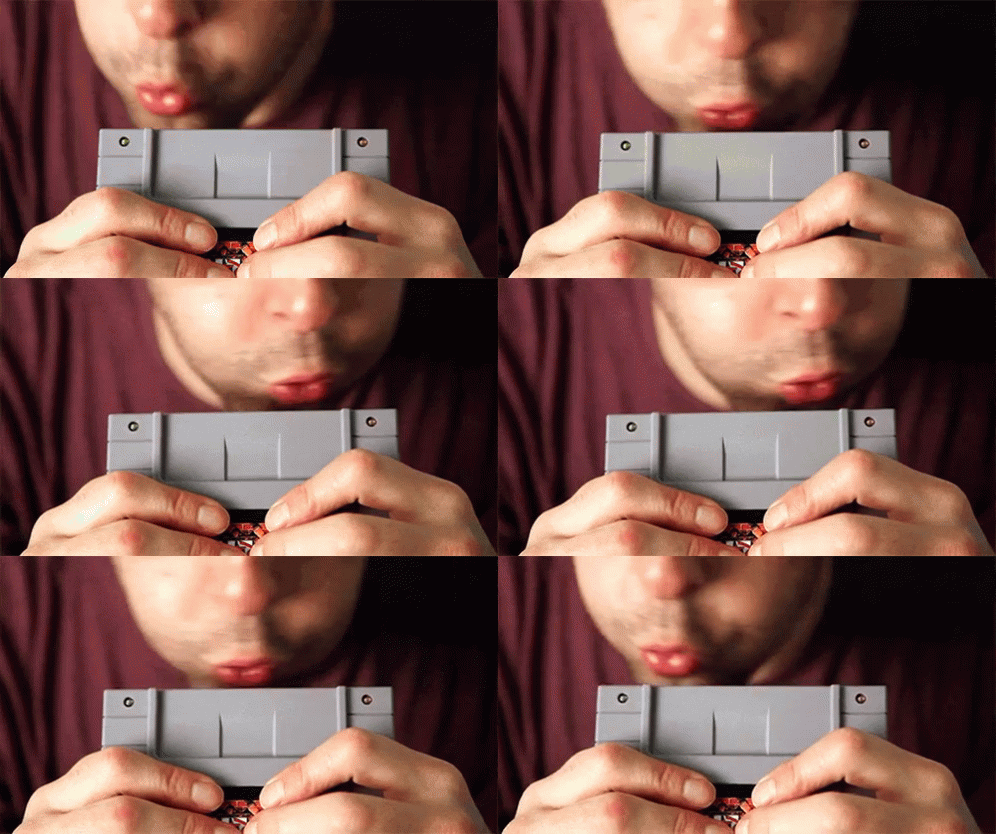
This stuff is common with Nintendo cartridges, and has existed since the NES

tenor.gif
 
Short answer: Yes, you're fine and have nothing to worry about.

Slightly longer answer: The Switch Cartridges are similar to discs, in that the cartridge has code which is loaded into system RAM, executed there, while referencing assets as it needs to. This means that when you rebooted your switch, you cleared the RAM, which in turn, will cause the initial loading of your games to be slower, as the system now has to once again load the code into RAM. This is also consistent in why, after closing the game out and trying again it's not as long to load as it was initially, as the data remains in RAM until restarted.

Thanks for the informative response! I appreciate it.

To ask about something you said in your explanation, though: I attempted to replicate the long loading screen by turning off my console and turning it on again, then opening the game again. However the loading screen that time around was still quite quick (the long loading screen from before might have lasted for around a minute!). Does that mean anything, or was it just pure happenstance that the loading screen went on for a weirdly long amount of time in comparison to every other time I've booted up my game after turning my console on?
Post automatically merged:

This stuff is common with Nintendo cartridges, and has existed since the NES


Yeah, I suppose so. I guess I just haven't had much luck with technology lately, so seeing that error message sent all sorts of alarm bells off for me lol.
 
Back
Top